LearnWeaver is currently in alpha testing
This service is a learning tool under active alpha testing.
Some features, screens, recommendations, and AI usage policies may change as we stabilize the service.
If you find an issue or have feedback during testing, please contact the operator.


LearnWeaver
From goal setup to content discovery, records, and completion,
LearnWeaver helps you keep learning through the end.
✦ What learning journey do you want to start?
Enter what you want to learn, and your learning journey opens right away.
Lumi
Online
Intro Video
How LearnWeaver turns learning into a journey
Watch how LearnWeaver connects goal input, goal chat, course creation, exploration planning, and Explorer Diary into one learning flow.
Alpha testers can try this journey directly and share feedback.
Core Features
Start quickly, keep learning to the end
Enter a topic and move from goal setup to content discovery, records, and completion.
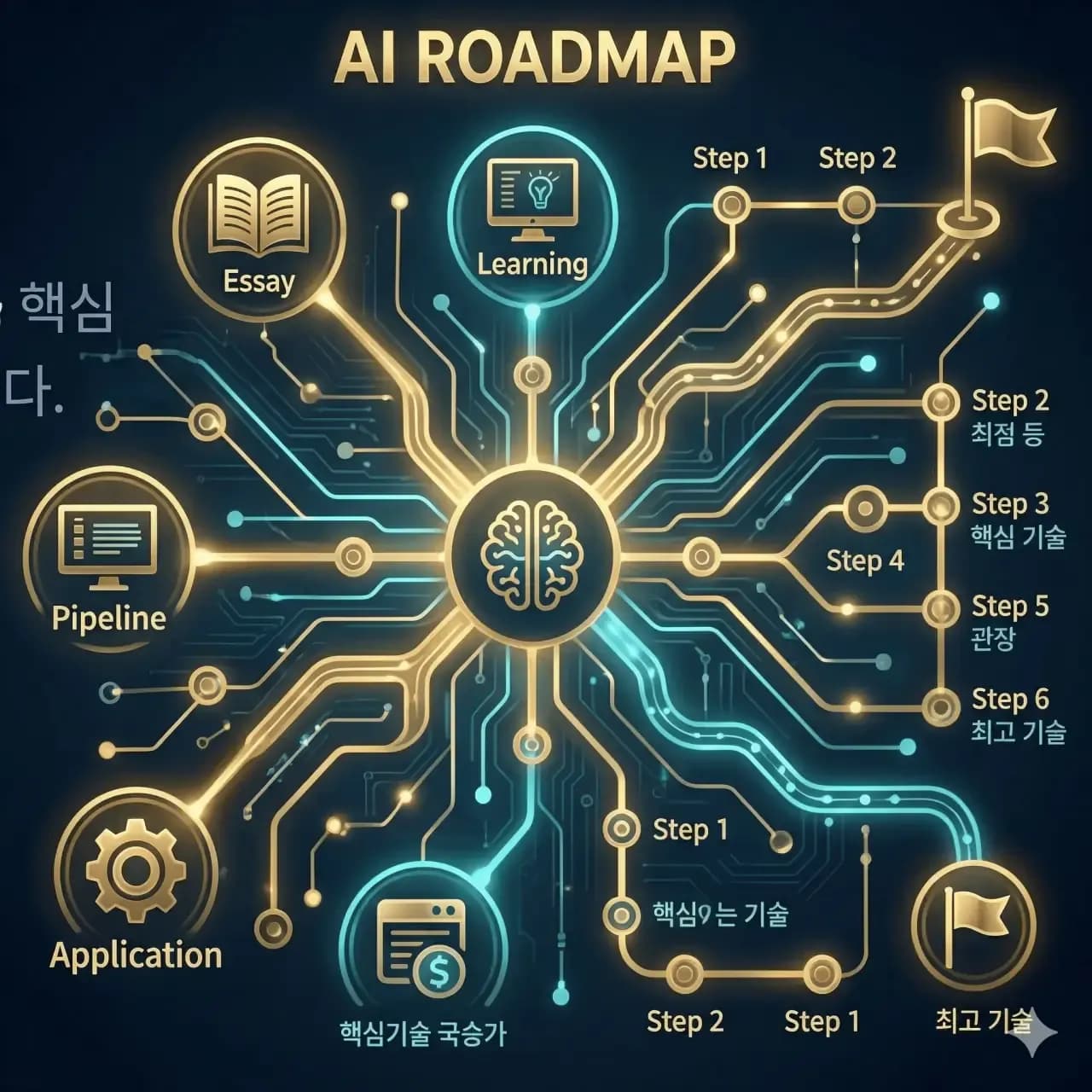
AI Learning Journey Builder
Lumi helps clarify your goal and creates a learning journey you can start right away.

Content in One Flow
Bring YouTube, blogs, and external links into one learning path.
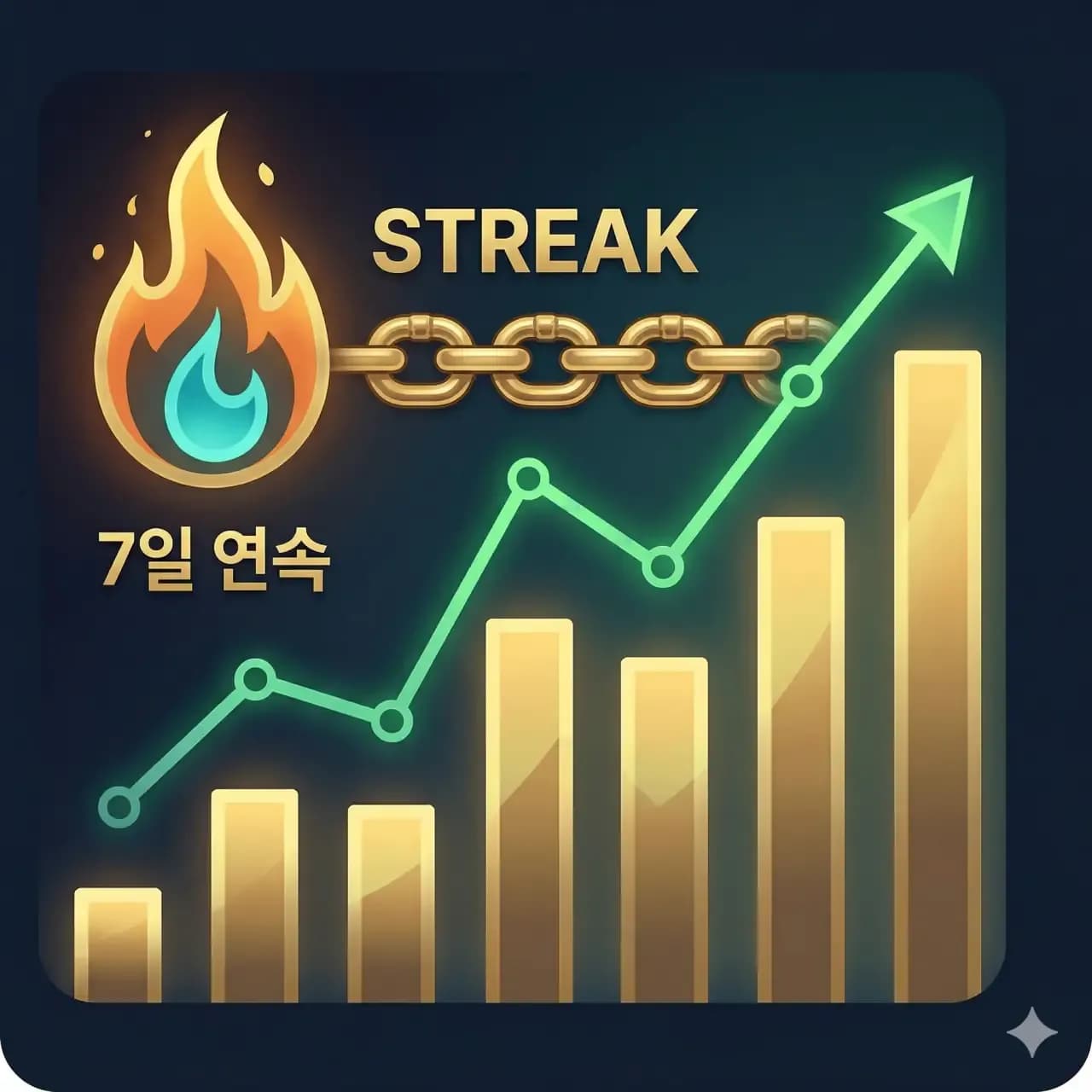
Progress and Streaks
Record what you learned today and see your progress as you continue.

Completion and Growth Records
Completed learning stays in your records so you can review your growth.
How It Works
Start a learning journey in four steps
Enter what you want to learn, refine your goal, and begin right away.
As you learn, you can add content and records to complete your own path.
Enter what you want to learn
Write a topic naturally, such as guitar, watercolor, or coding.
Choose how to start
Start right away, or organize your goal with Lumi first.
Create your learning journey
A practical path is generated from your refined goal.
Learn and complete it
Add content, leave records, and keep moving until completion.
Choose your AI model, while recommendations use installed embeddings
Content search and recommendations are handled through an installed embedding model on the LearnWeaver server.
Generative AI features such as goal chat, course creation, and learning coaching are being prepared to work with user-connected AI keys step by step.
Connect your AI key
OpenAI starts first, with Claude, Gemini, and other LLM providers planned for staged connection.API keys are treated as sensitive information and used only when generative AI calls need them.
- Use your key for generative AI features
- Change or delete your API key
- Usage and call history visibility planned
- Managed as sensitive information under security rules
Start with AI points first
You can start without an API key.New accounts receive 30 AI points to begin a learning journey.
Point usage examples
- AI points are granted at sign-up
- Start before connecting an API key
- Switch to a BYOK LLM later
Content recommendations and similar-resource search use a separate installed embedding path, so BYOK LLM usage remains clearly scoped.
AI providers planned for staged connection
Categories
Anything can become a learning journey
Pick an area of interest and open your first path.
If it is not on the list, you can enter your own topic.
Review operating rules before signing up
LearnWeaver provides public Terms and Privacy Policy documents.Before signing up, you can review installed-embedding recommendations, BYOK LLM rules, and privacy principles.
Terms of Service
Review service terms, AI points, BYOK LLM usage, and content usage rules.
Privacy Policy
Review personal data collection, storage, protection, and sensitive settings such as API keys.
Open Source Licenses
Review the major open source software and license notices included in the service.
AI points and BYOK may connect to user cost and permissions.Installed embeddings for search/recommendation and BYOK LLMs for generative AI are described as separate usage paths.
Start Now
Start your first learning journey for free
AI points are granted when you sign up.Enter what you want to learn and create your first learning journey right away.
You do not need a LearnWeaver account yet.Starting with a social account will continue directly to sign-up.
You can start without an API key,and connect your own AI key later.
Required policy consent is requested before using the service.
Terms and Privacy Policy are available before sign-up.